

- Compatible XF 2.x versions
- 2.3
Description:
Shows detailed information on new registrations.
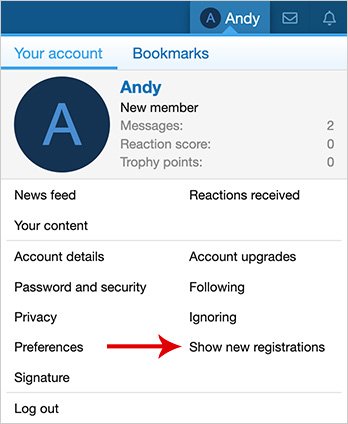
(Example of Show new registrations link)
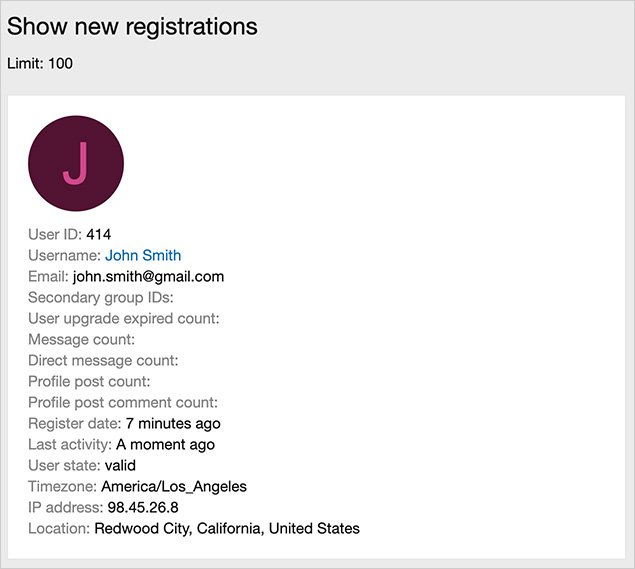
(Example of Show new registrations page)
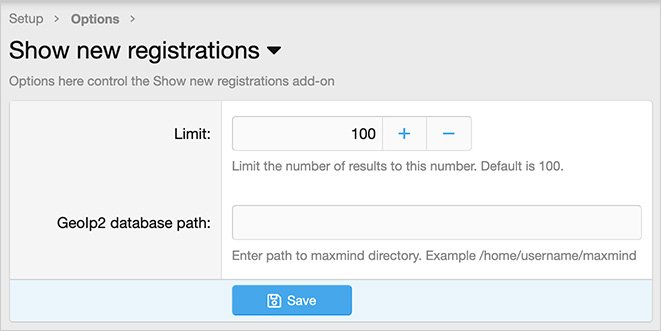
(Example of Options page)
(Example of User group permissions)

Features:
Install the MaxMind updater add-on.
https://www.xf2addons.com/resources/maxmind-updater.888/
Setup step 2:
Update the Options page with your GeoIp2 database path.
Setup step 3:
Set User group permissions. Typically the Administrative user group is set (View = Yes) which allows only admins to use.
Shows detailed information on new registrations.
(Example of Show new registrations link)
(Example of Show new registrations page)
(Example of Options page)
(Example of User group permissions)
Features:
- Results page ordered by newest registrations.
- All phrases start with shownewregistrations_ for your convenience.
Install the MaxMind updater add-on.
https://www.xf2addons.com/resources/maxmind-updater.888/
Setup step 2:
Update the Options page with your GeoIp2 database path.
Setup step 3:
Set User group permissions. Typically the Administrative user group is set (View = Yes) which allows only admins to use.


