

- Compatible XF 2.x versions
- 2.3
Description:
Shows GPX attachments in a Google map.
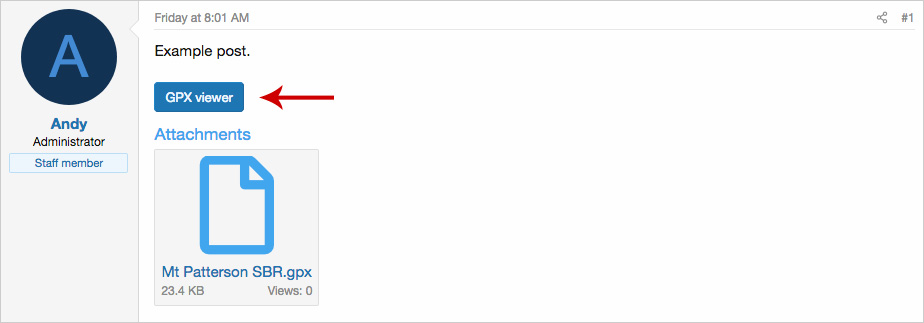
(Example of GPX viewer button)
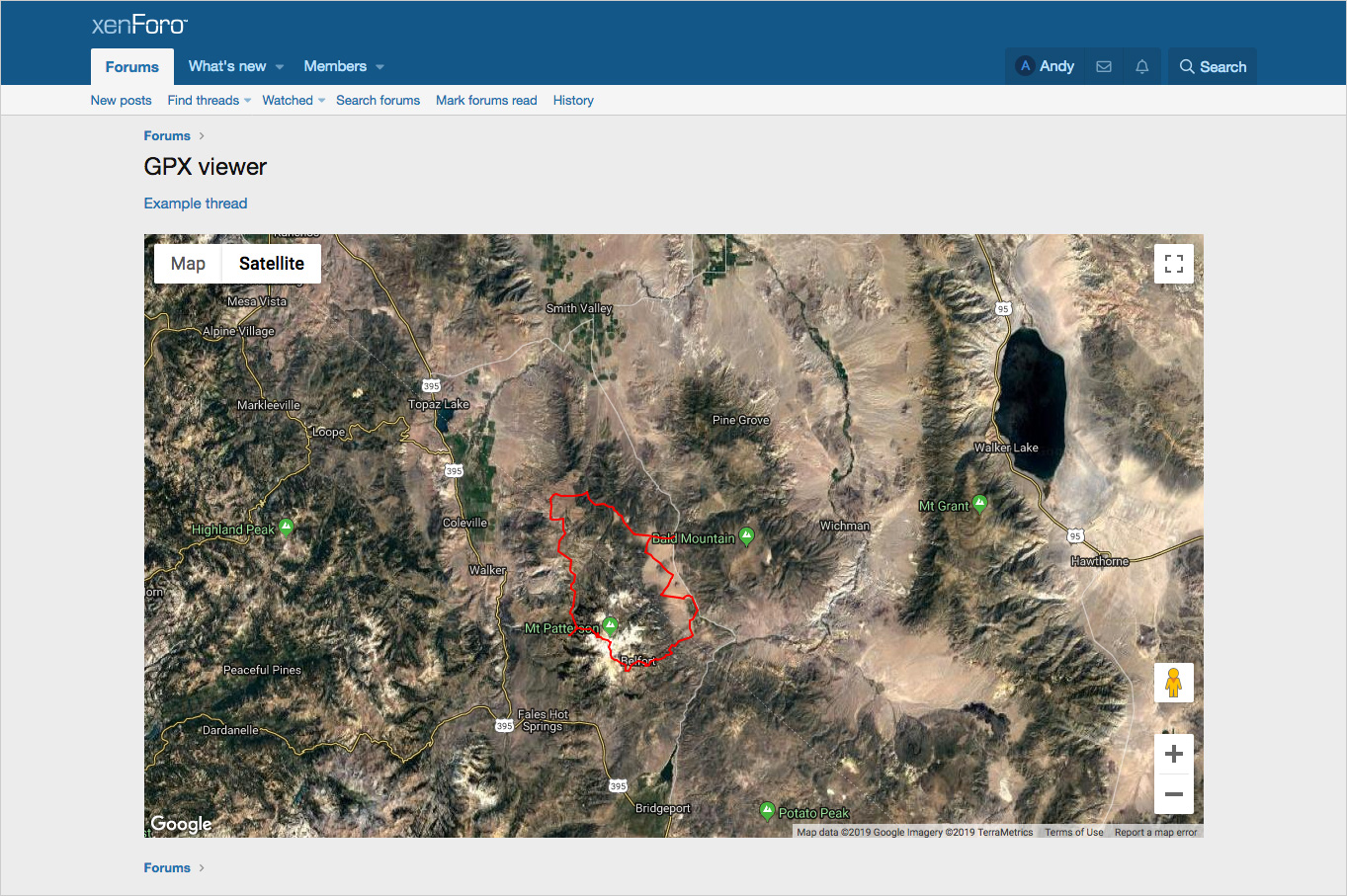
(Example of GPX viewer)
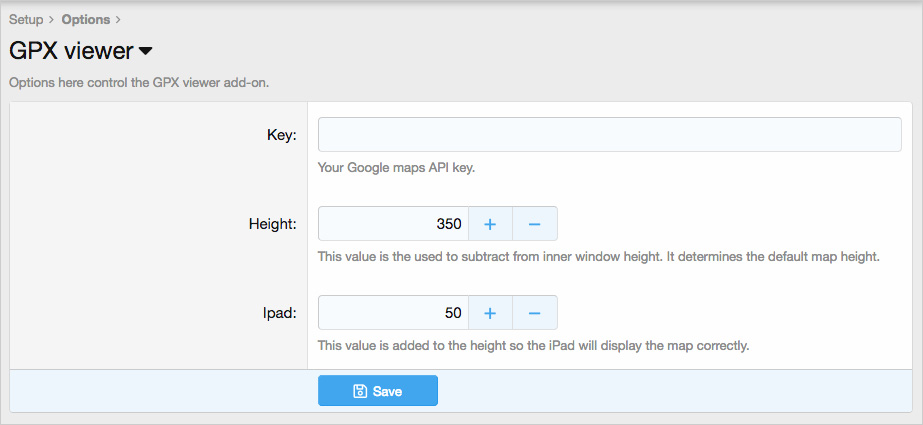
(Example of Options page)
Features:
Get your Google API key using this link:
https://developers.google.com/maps/documentation/javascript/get-api-key
Update the Options page with your Google API key.
How to use:
When a member uploads a GPX attachment and saves the message, the add-on will automatically insert a button into the message labeled GPX viewer. Clicking this button will bring up a Google map with the GPX displayed.
BB code explained:
The following BB code example is automatically inserted into the message when there's a GPX attachment.

The number 12345 is the attachment number and the number 10 is the zoom level. After the BB code is added to the post one can edit the post and change the zoom level from any number between 1 and 17, changing this number will change the initial zoom level.
Questions and answers:
Q: What types of GPX files are supported?
A: Those which contain tracks and or waypoints.
Shows GPX attachments in a Google map.
(Example of GPX viewer button)
(Example of GPX viewer)
(Example of Options page)
Features:
- GPX viewer button automatically inserted into message.
- All phrases start with gpxviewer_ for your convenience.
Get your Google API key using this link:
https://developers.google.com/maps/documentation/javascript/get-api-key
Update the Options page with your Google API key.
How to use:
When a member uploads a GPX attachment and saves the message, the add-on will automatically insert a button into the message labeled GPX viewer. Clicking this button will bring up a Google map with the GPX displayed.
BB code explained:
The following BB code example is automatically inserted into the message when there's a GPX attachment.
The number 12345 is the attachment number and the number 10 is the zoom level. After the BB code is added to the post one can edit the post and change the zoom level from any number between 1 and 17, changing this number will change the initial zoom level.
Questions and answers:
Q: What types of GPX files are supported?
A: Those which contain tracks and or waypoints.


